Overview
Follow these quick tips to access Site Builder content easily.
There are several ways for you to find content on your website.
You can find live content using the top-level menu/navigation and go to the section and page you are looking for.
If you are looking for unpublished content, you will need to use another method.
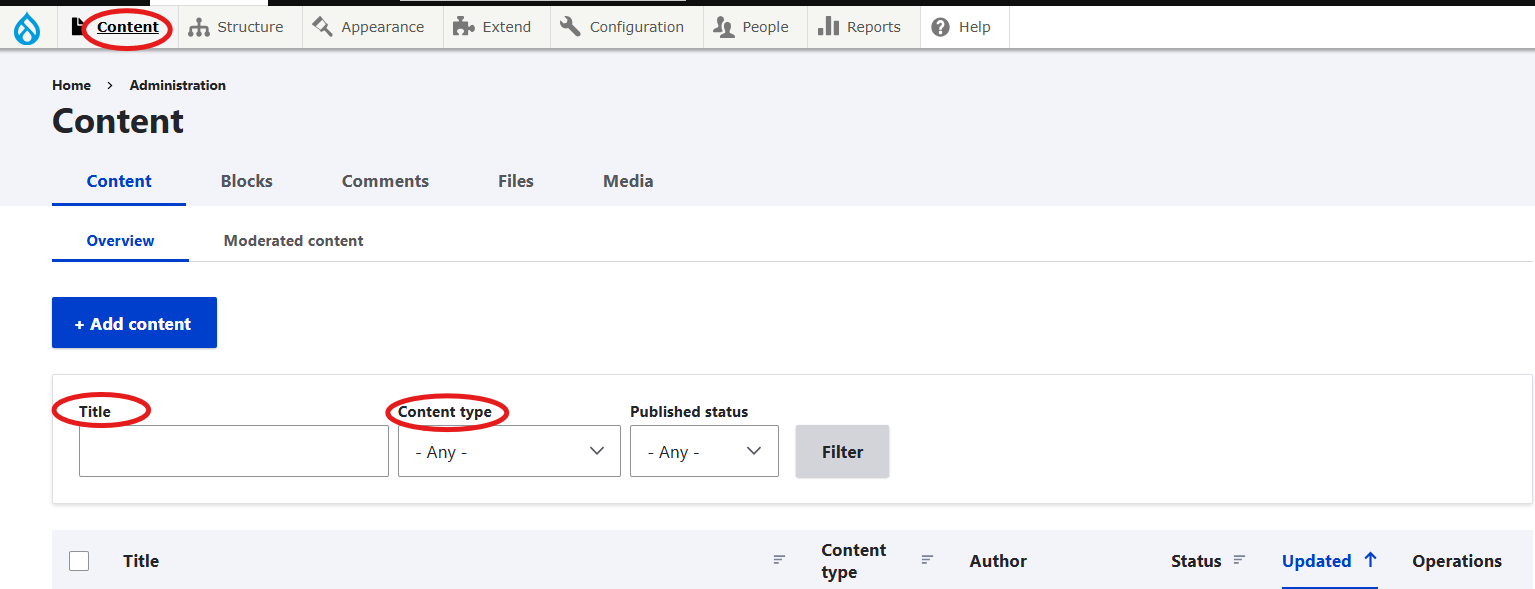
Admin > Content >
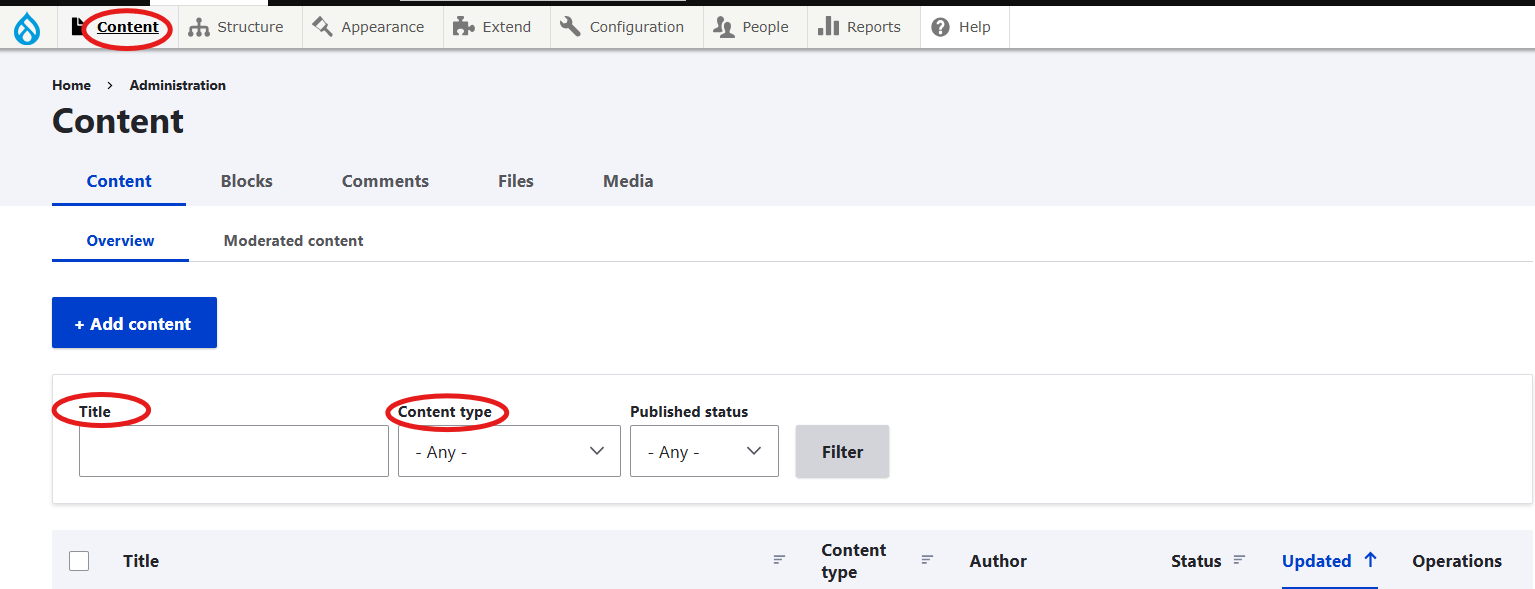
- Search by Title: Enter the first few words of the page title and hit Enter or click Filter.
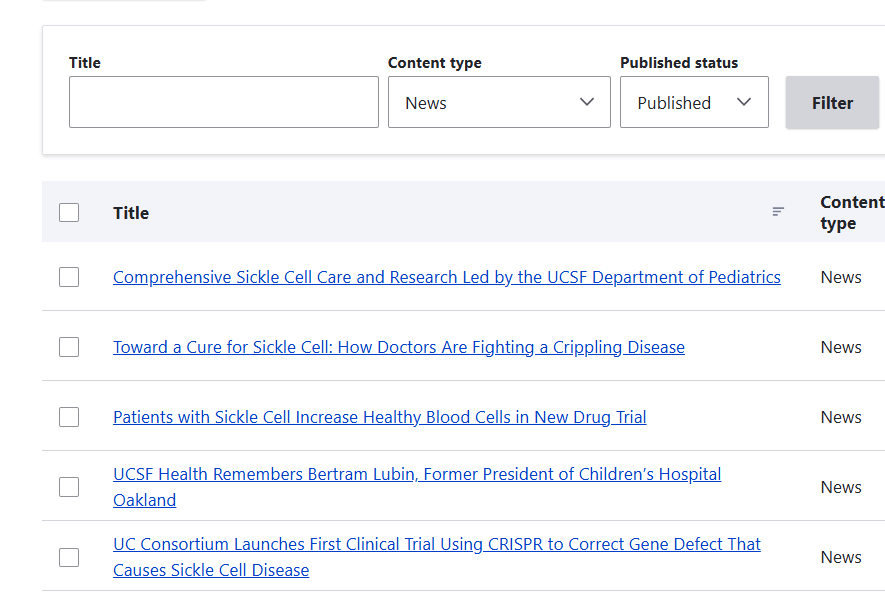
- Search by Content type: Select an option from the drop-down menu and hit Enter or click Filter.
- Search by Published status: Select published or unpublished from the drop-down menu and hit Enter or click Filter