Overview
The process for completing an Outlook Poll in an Outlook email is simple. This page will highlight the process for voting in an Outlook Poll.
Instructions
Step1
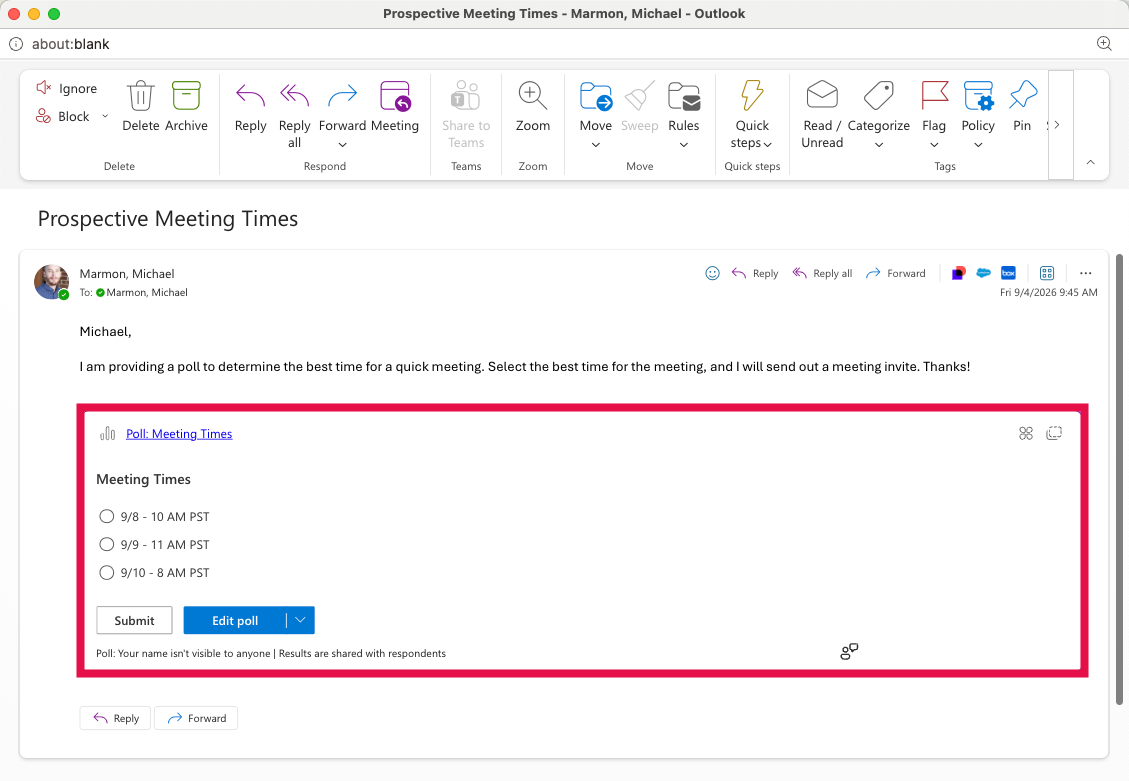
Review the Poll Questions.
Step2
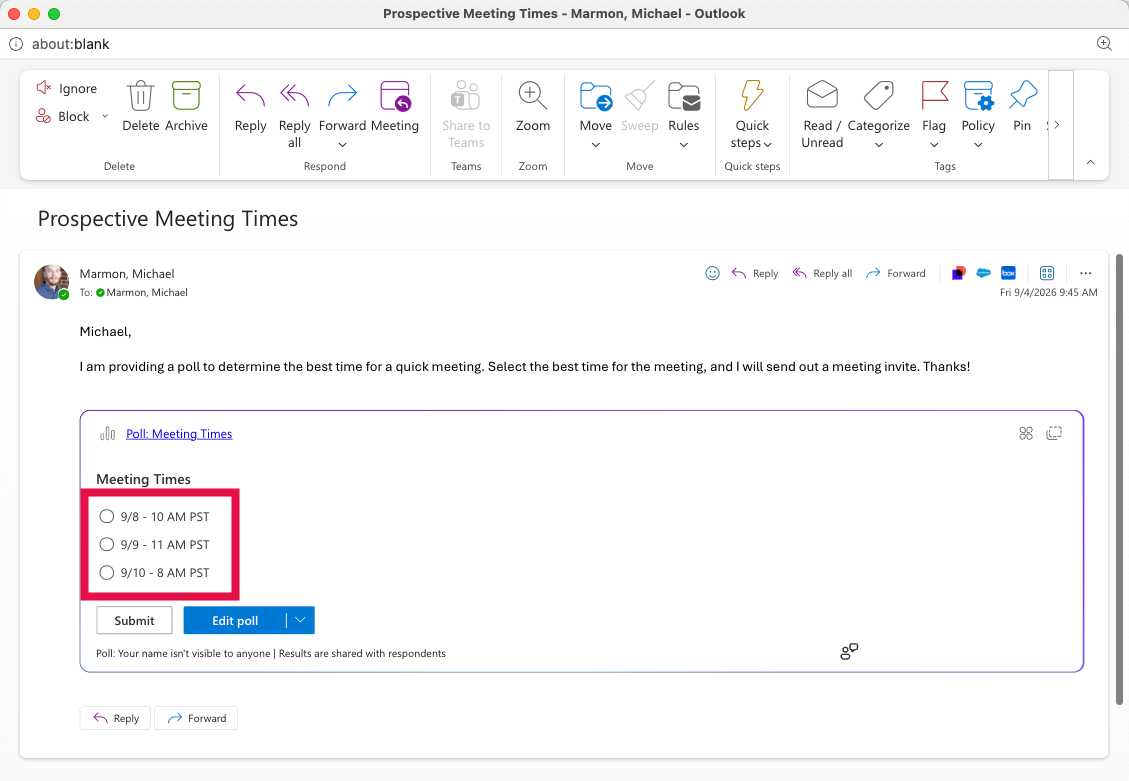
Select the desired response(s).
Step3
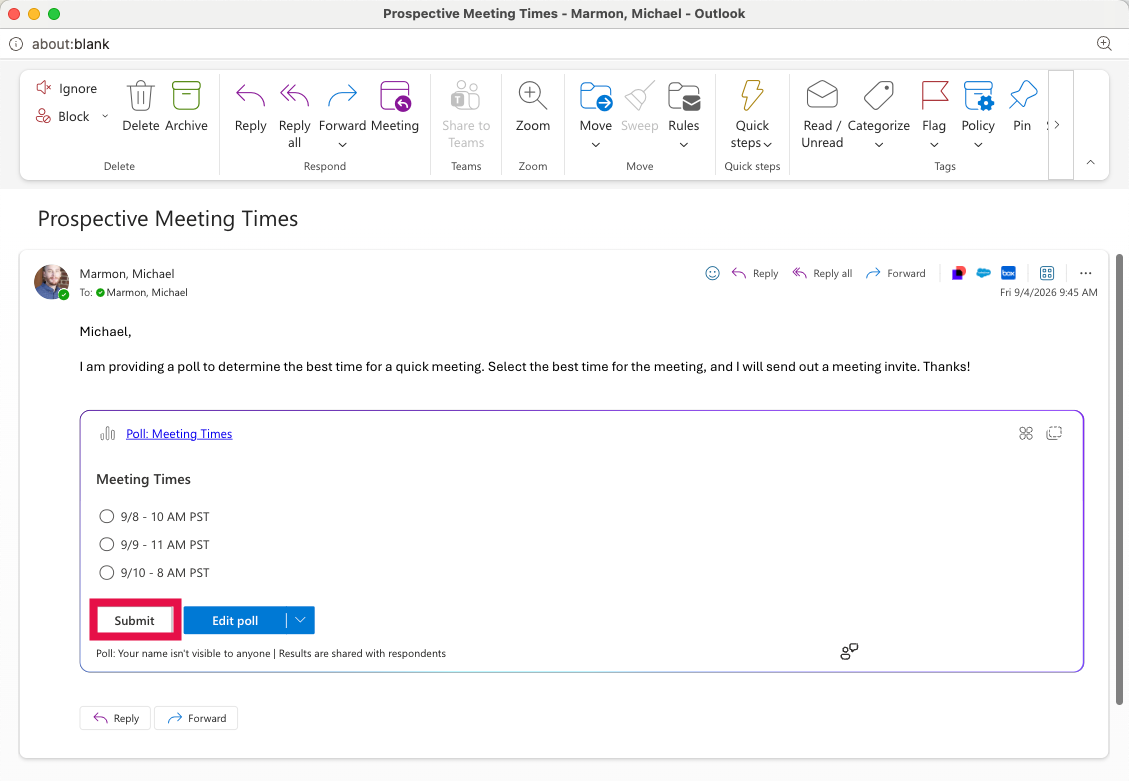
Select Submit to complete your response.
Step4
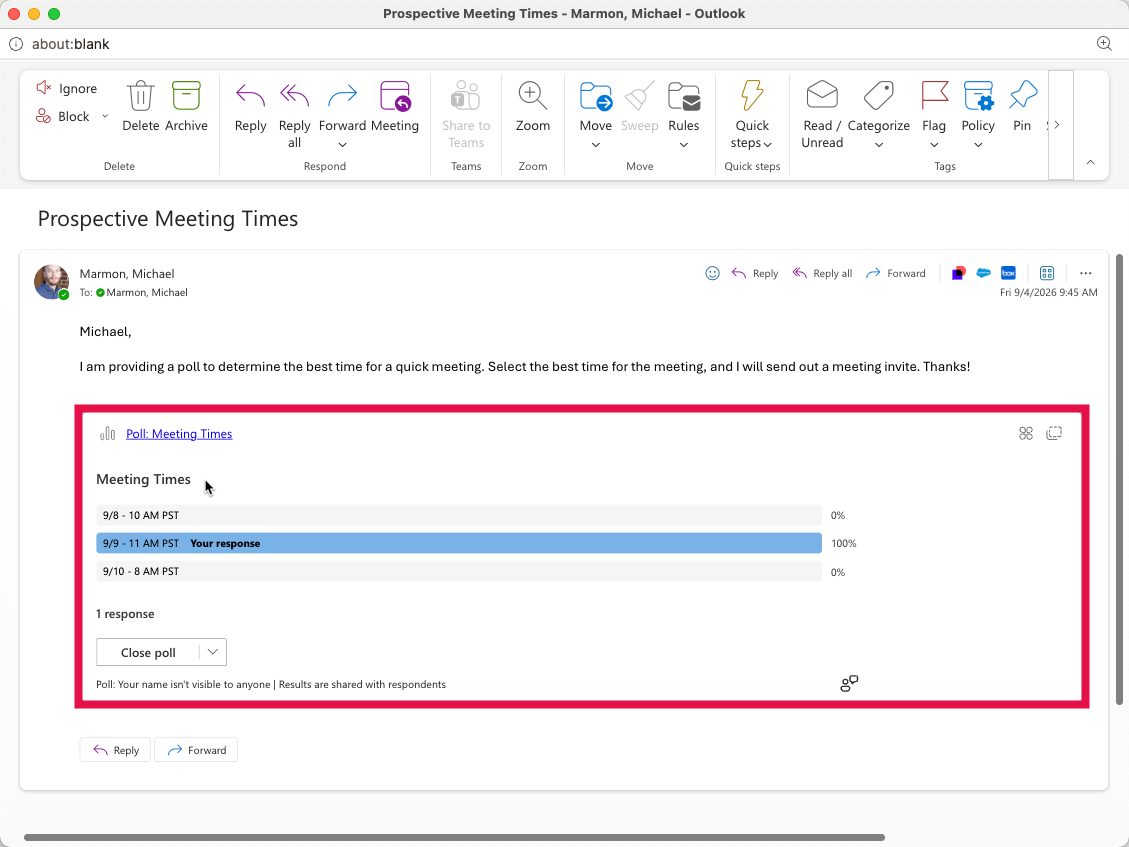
Once submitted, your responses will appear within the Poll pane.