Accessing UCSF Templates in Excel Desktop
Step1
Open Microsoft Excel on the Desktop
Step2
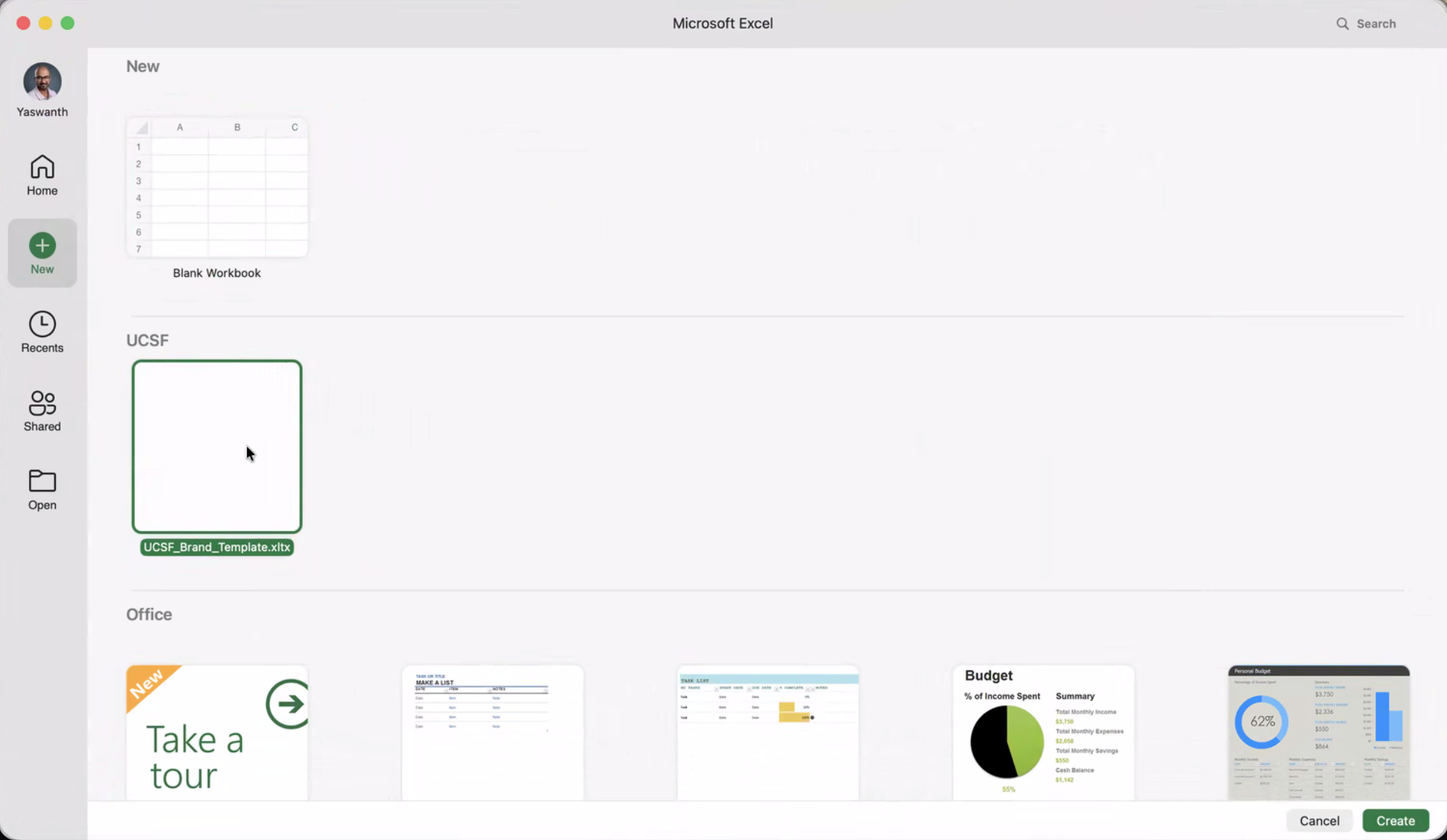
Select New.

Step3
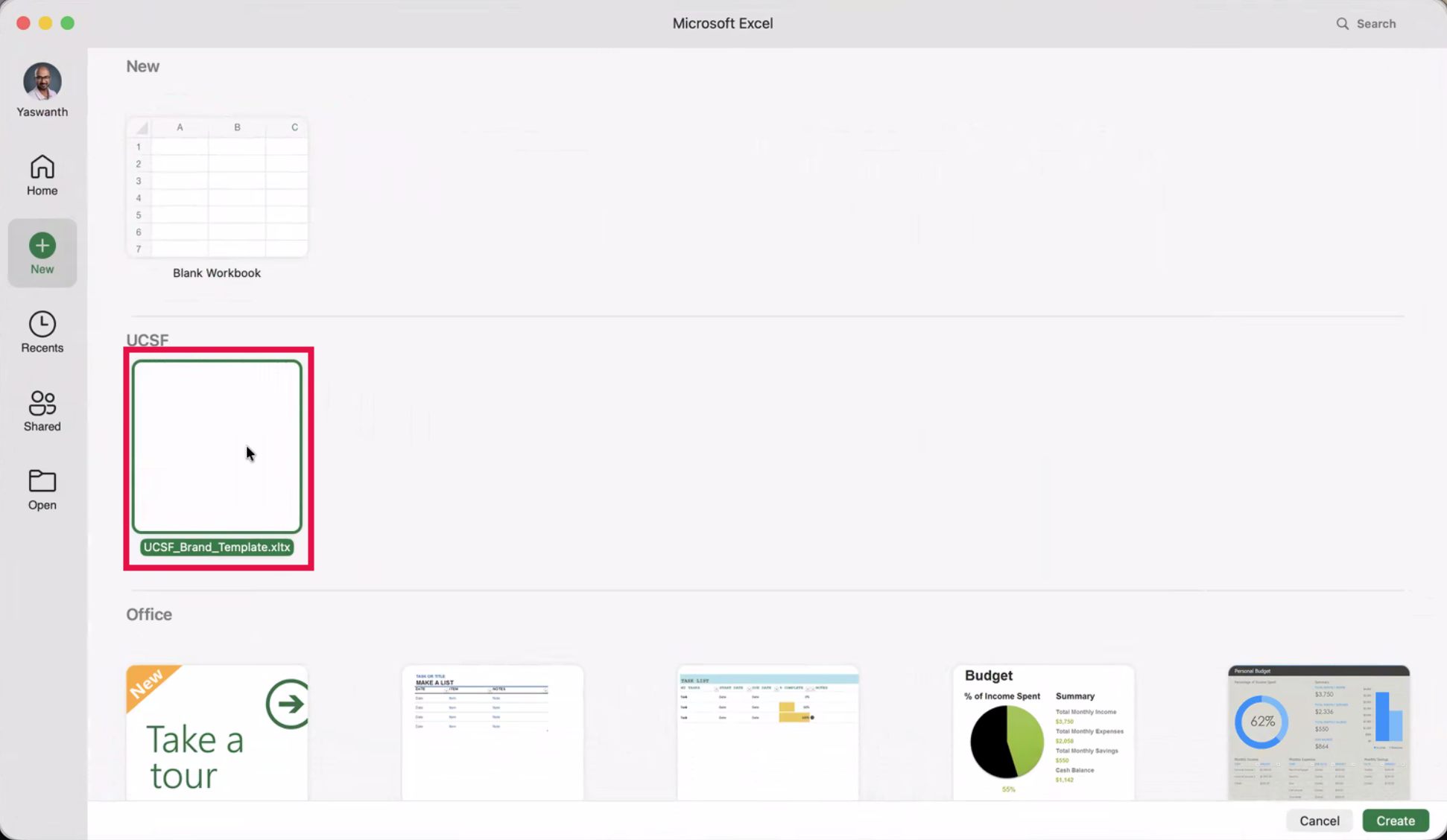
Locate the UCSF section before selecting the desired template.
NOTE: Additional templates may be added in the future.
Step4
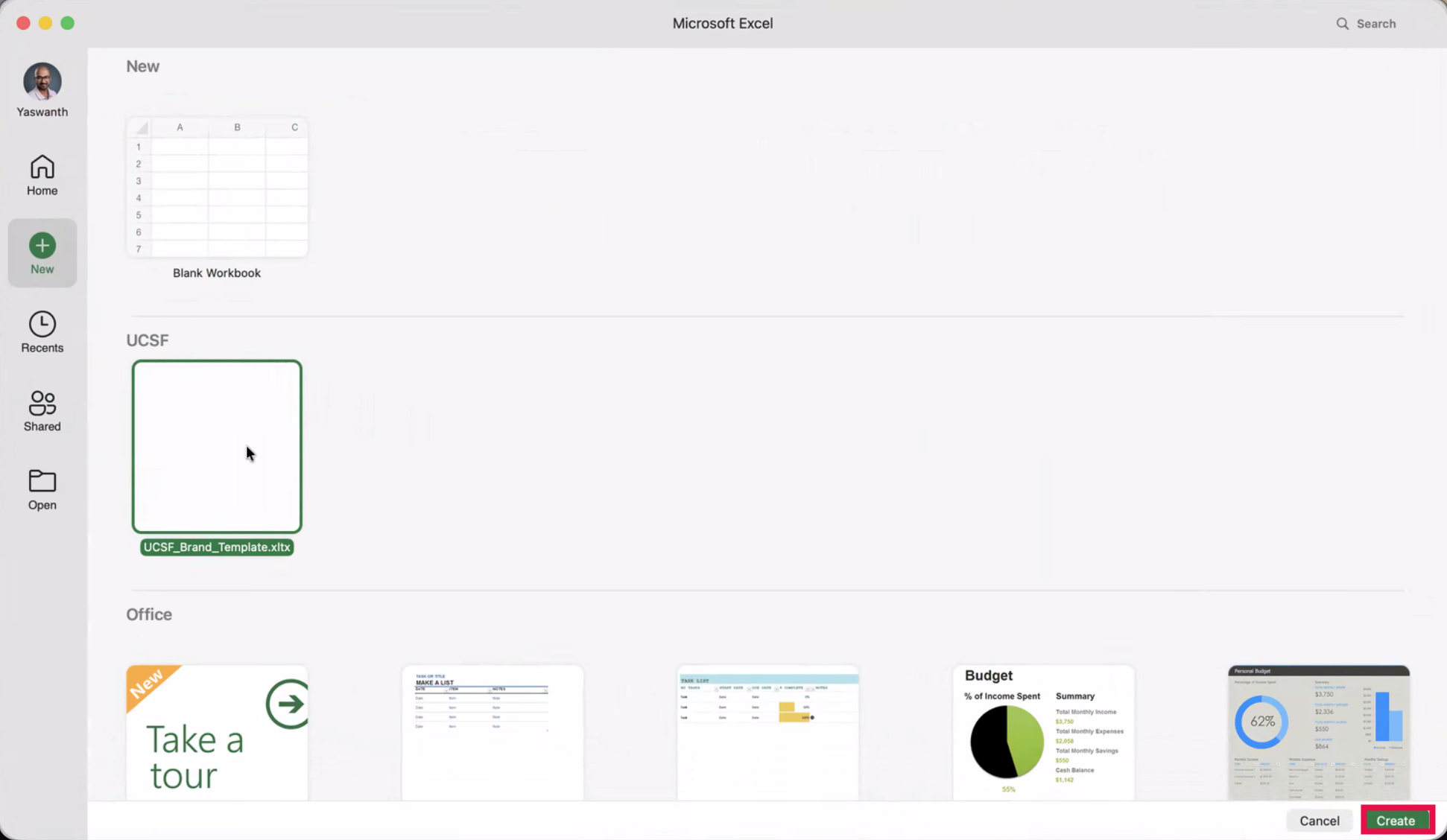
Click Create.
Step5
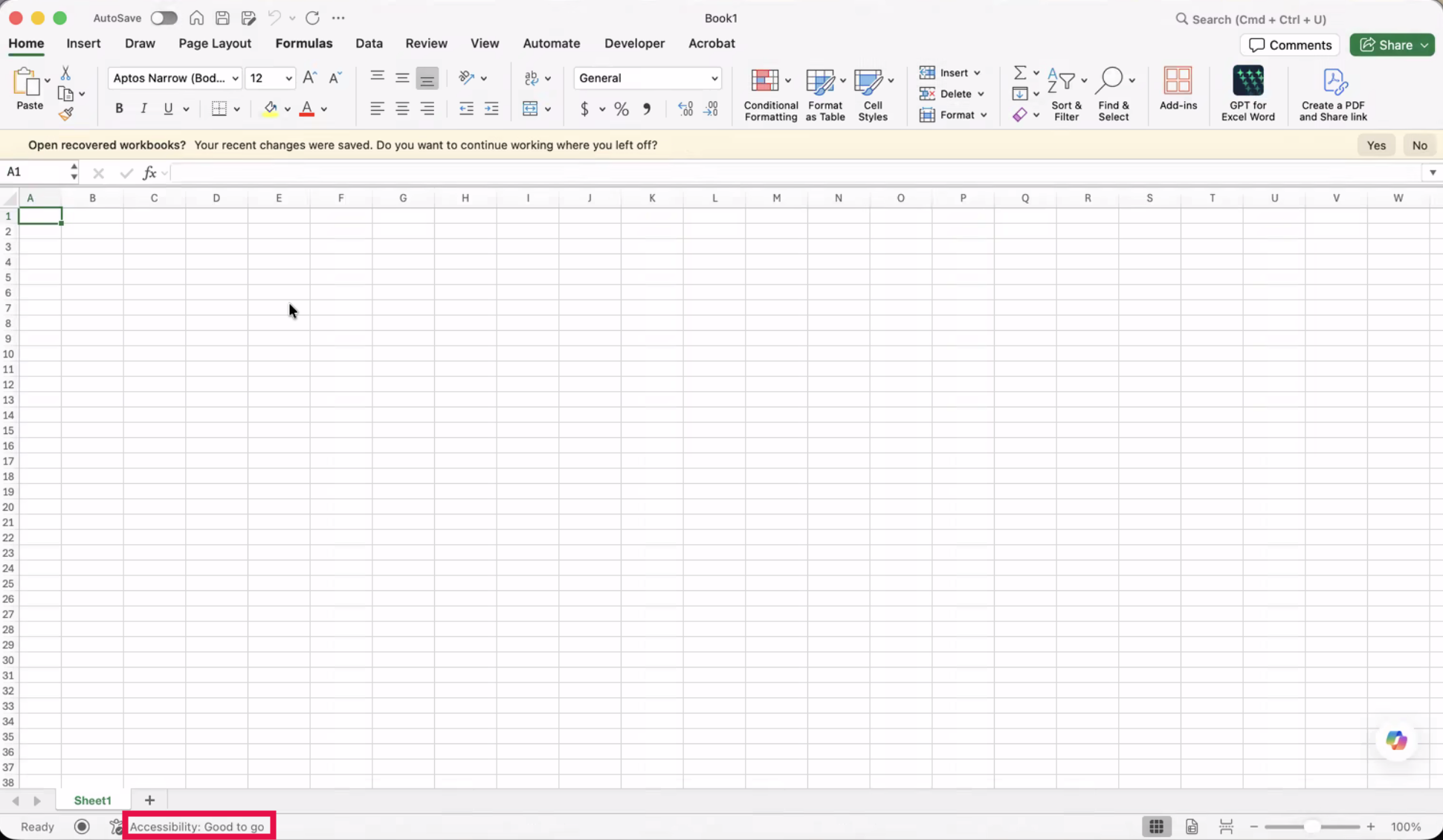
A new workbook will open using the selected UCSF template.
NOTE: The Accessibility section will highlight that the Word template is digitally accessible.