Accessing UCSF Templates in PowerPoint for the Web
Step1
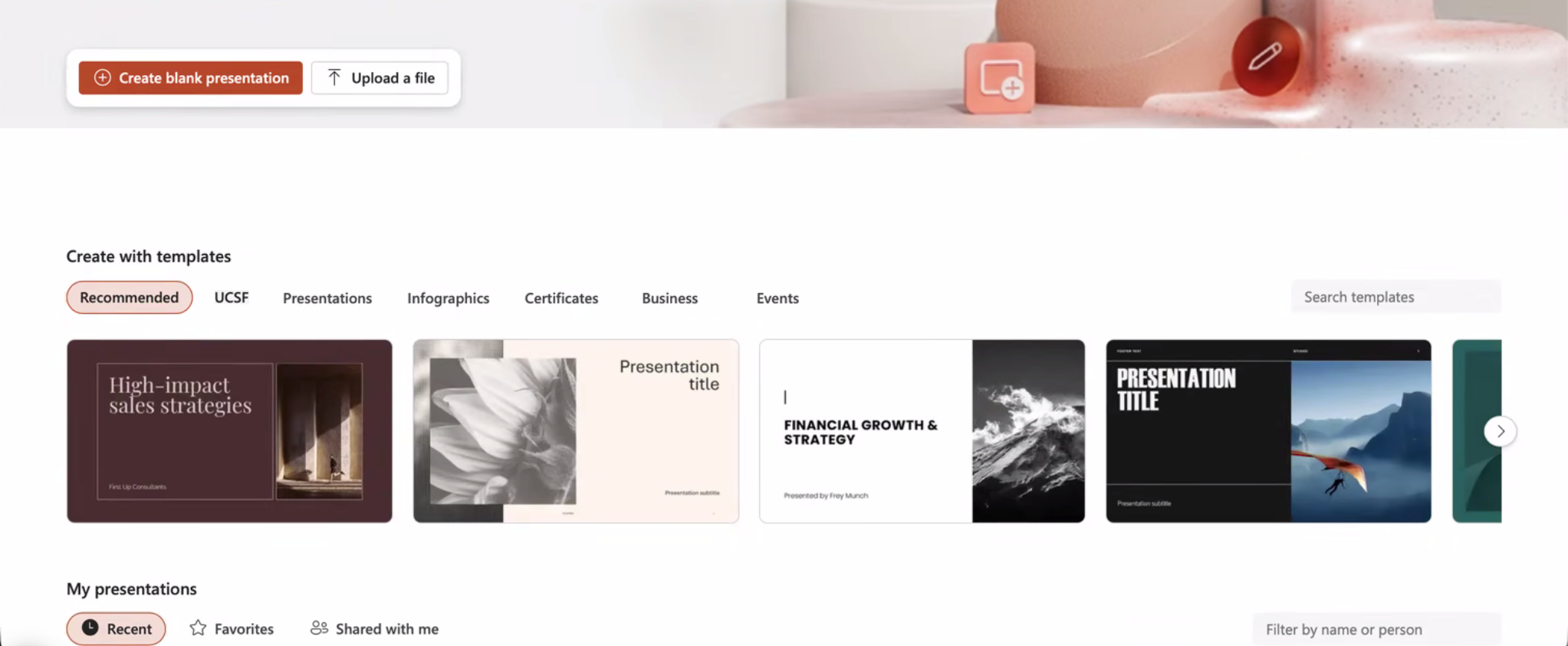
Load PowerPoint for the Web.
Step2
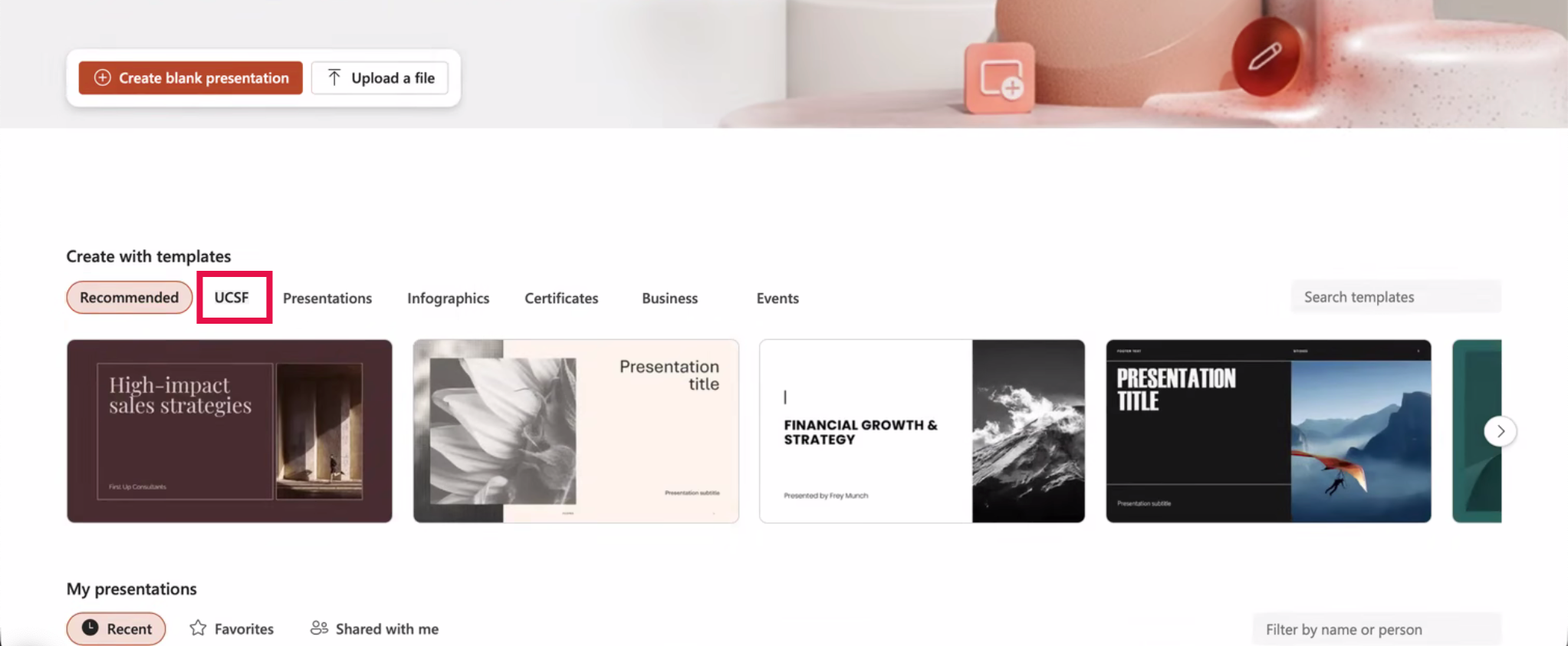
On the PowerPoint landing page, locate the Create with templates section before selecting UCSF.
NOTE: In PowerPoint for the web, organization templates are accessed through the Create with template and may not appear under the standard New Presentation options.
Step3
Browse and select the desired UCSF Template to use.
NOTE: Additional templates may be added in the future.

Step4
PowerPoint will create a new presentation based on the selected UCSF template.

Step5
Select New Slide to add additional slides from the UCSF template.
