Overview
Identity Sponsors have the ability to easily access and manage their network of affiliates.
Identity Sponsors have the ability to easily access and manage their network of affiliates. By applying specific filters within the Profiles page, Identity Sponsors can quickly identify all affiliates for which they are the sponsor of. The following steps will guide you through the process of viewing your affiliates.
Follow the steps below on how to view your affiliates in MyAffiliate.
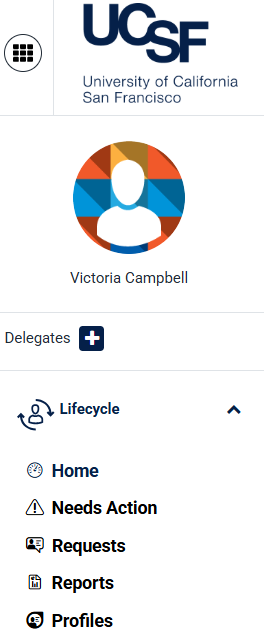
From the MyAffiliate dashboard, select Profiles from the left hand menu.
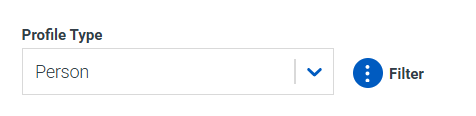
Select the 3 dots to filter the results.
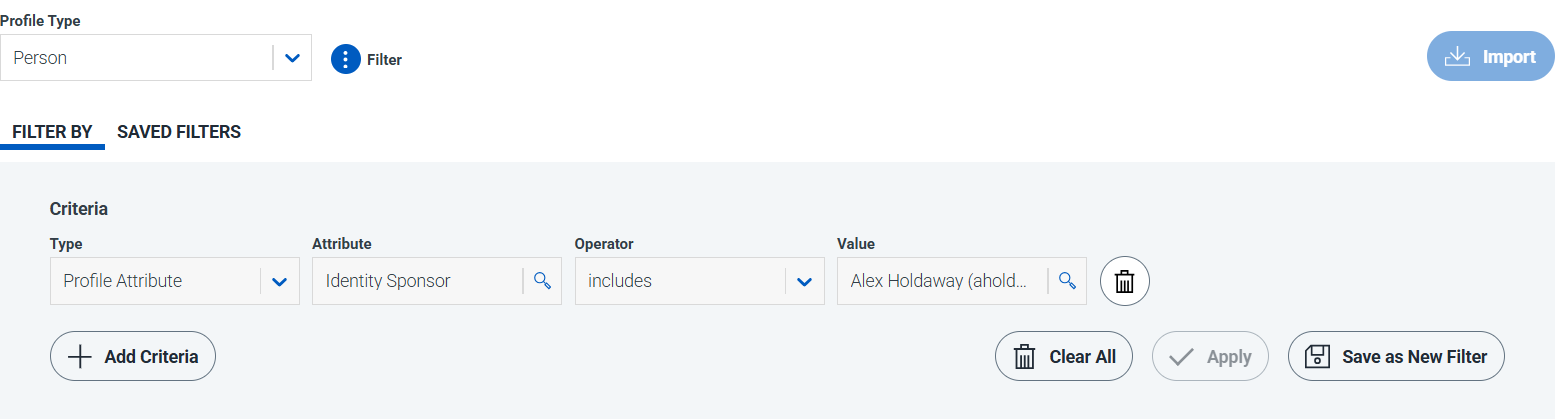
- In the filter criteria field for Type, select Profile Attribute.
- In the filter criteria field for Attribute, select Identity Sponsor.
- In the filter criteria field for Operator, select Includes.
- In the filter criteria field for Value, type and select your name.
After all fields are complete, select Apply.
To save the filter for future use, select Save as New Filter.
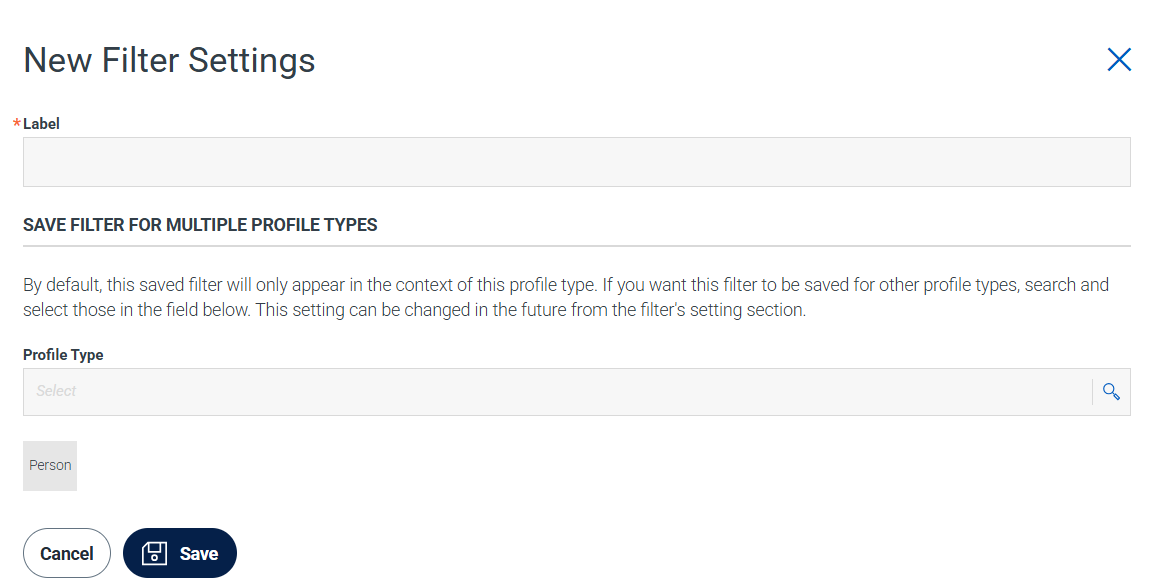
- Enter a filter label in the Label field and select Save.