Accessibility means creating an online environment that is accessible to all, and in particular to individuals with disabilities. The ADA requires that UCSF provide effective communication, reasonable modifications, and an equal opportunity to participate in or benefit from our services, programs, and activities.
Before and After Fixes
The following are a few examples of common accessibility issues. More details on the Common Accessibility Issues page.
Descriptive text for buttons and links
The before example below shows a button with the text "Learn more" in a light color. The after example shows text that provides more description with better contrast.
Tip: Avoid vague text such as "Learn more," especially multiple times on the same page.

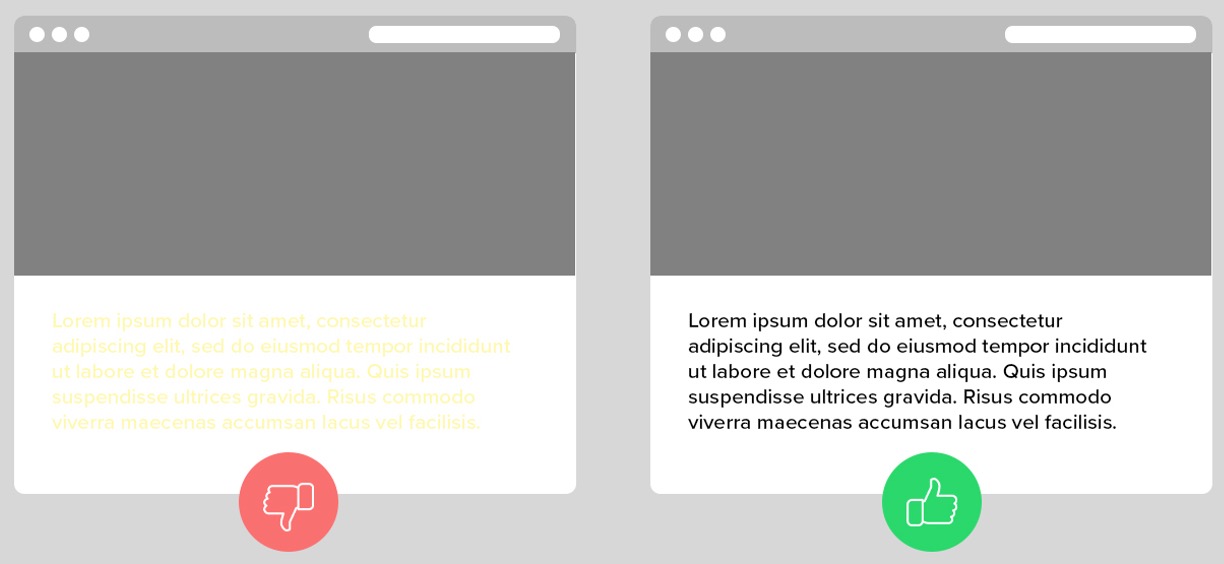
Color contrast for text on a colored background
The before example below shows light yellow text on a white background. The after example shows black text on a white background, making it easier to read because the contrast is higher.
Tip: Use accessible color combinations and follow guidance on the Color Accessibility page.
Don't use color alone to convey information
The before example below shows only color used to designate between required form fields. The after example has added a symbol, making it easier to identify a required field without relying on color perception.
Tip: Use a symbol such as an asterisk in addition to a different text color to indicate required form fields.

The four principles of accessibility
UCSF policy follows the Web Content Accessibility Guidelines (WCAG) established by the World Wide Web Consortium (W3C).
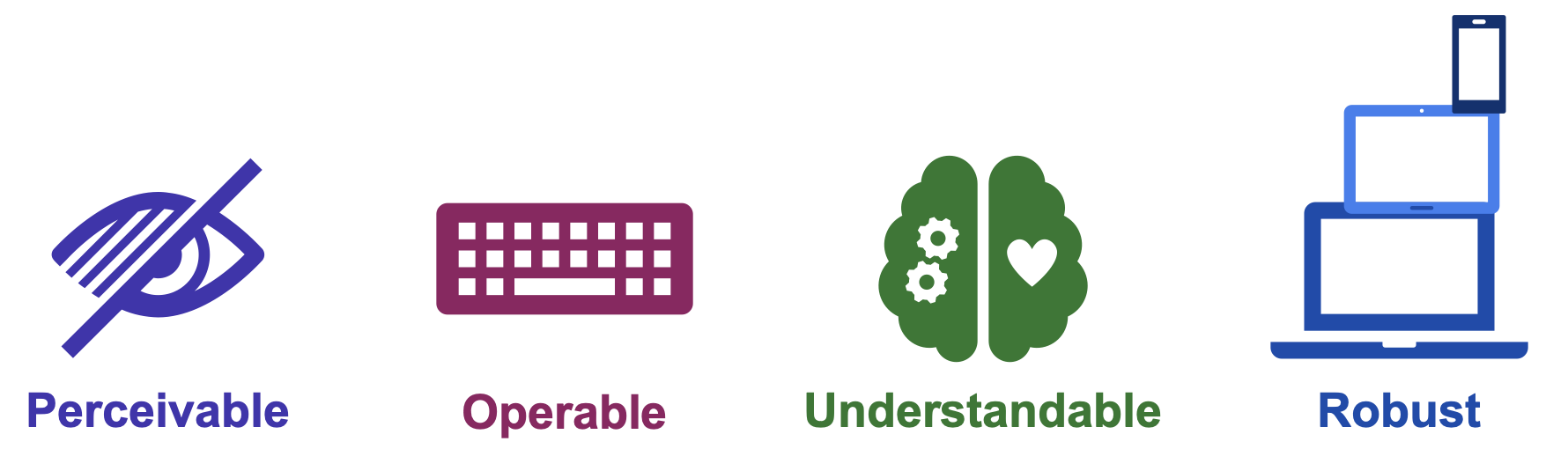
As a stable and internationally recognized technical standard, WCAG has guidelines organized under 4 principles: perceivable, operable, understandable, and robust, also referred to as POUR.
Perceivable: Available via sight, hearing, and/or touch
Operable: Keyboard-accessible, navigable, compatible with other input methods
Understandable: Readable and predictable, with clear labels and instructions
Robust: Works with a variety of assistive technologies, devices, and formats
Why are we doing this?
UCSF is committed to providing web content in accessible formats to ensure that online content and tools are accessible to everyone. Learn more about Digital Accessibility efforts at UCSF by viewing the Accessibility is Me video series. It's the right thing to do. Compliance is mandated by the Department of Justice (DOJ). More details on the UCSF IT About the ADA Rule page.